%202.svg)
KleerCard syncs transaction data directly with your accounting system.
The trusted tool for mission-driven organizations








Sync transactions with QuickBooks Online or QuickBooks Desktop. Data transfers cleanly without manual rekeying. Accounting teams maintain consistent records across systems.
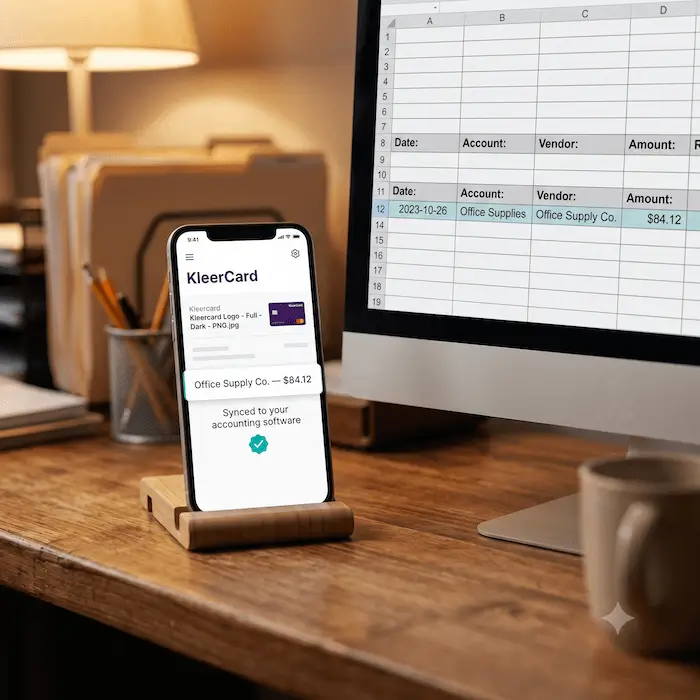
Accurate data reduces errors during reconciliation. Fewer corrections are needed at month end. Reports reflect real activity instead of estimates.
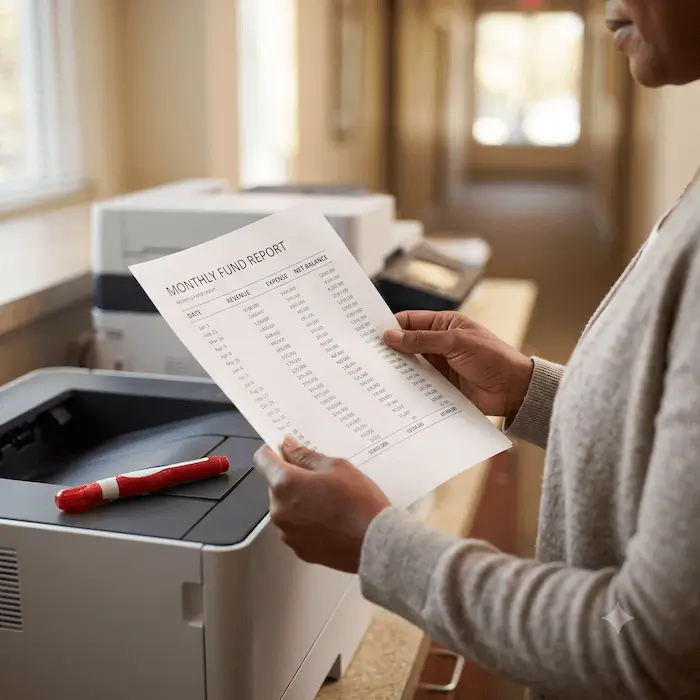
Transactions arrive organized and ready to review. Finance teams close books more predictably. Time spent reconciling is reduced.

Reduce rekeying and mismatched entries. Automation eliminates many common posting mistakes. Adjustments become the exception rather than the norm.

Dates, merchants, and values stay aligned across systems. This improves trust in financial reports. Stakeholders see consistent numbers everywhere.

KleerCard's accounting sync feature is made specifically for nonprofits, and has unique benefits for the organizations we serve.
.avif)
Reliable syncs support better financial reports. Leadership can trust the numbers they review because transactions, payments, and debit activity all match across systems. Finance teams can easily view, search, and filter records by company account or transaction field when reviewing reports.

Finance teams spend less time fixing errors. Automated matching of transactions and payment activity streamlines the reconciliation process and reduces manual steps. Users can quickly open a transaction, follow the activity log, and confirm details without switching screens.
.avif)
Consistent records help satisfy auditors and boards. Documentation stays complete and traceable across every section of the account, including invoices, bills, and payments. Auditors can clearly follow how data was entered, reviewed, and approved throughout the process.
.avif)
Everyone works from the same financial data. Users across the business have shared access to the same records, menus, and transaction details, which reduces confusion. Teams can view updates in real time and avoid miscommunication during reviews or approvals.
.avif)
More transactions do not mean more work. Automation helps manage higher volumes of sales, bills, and payments without adding complexity for users. As the company grows, teams can apply noted workflows, set filters, and keep processes clear and consistent.


Get in touch and we’d be thrilled to help reduce your bookkeeping headaches.