KleerCard Features

Receipt Tracking Made Simple

Now nonprofits can automate expense management with KleerCard's easy receipt tracking feature.
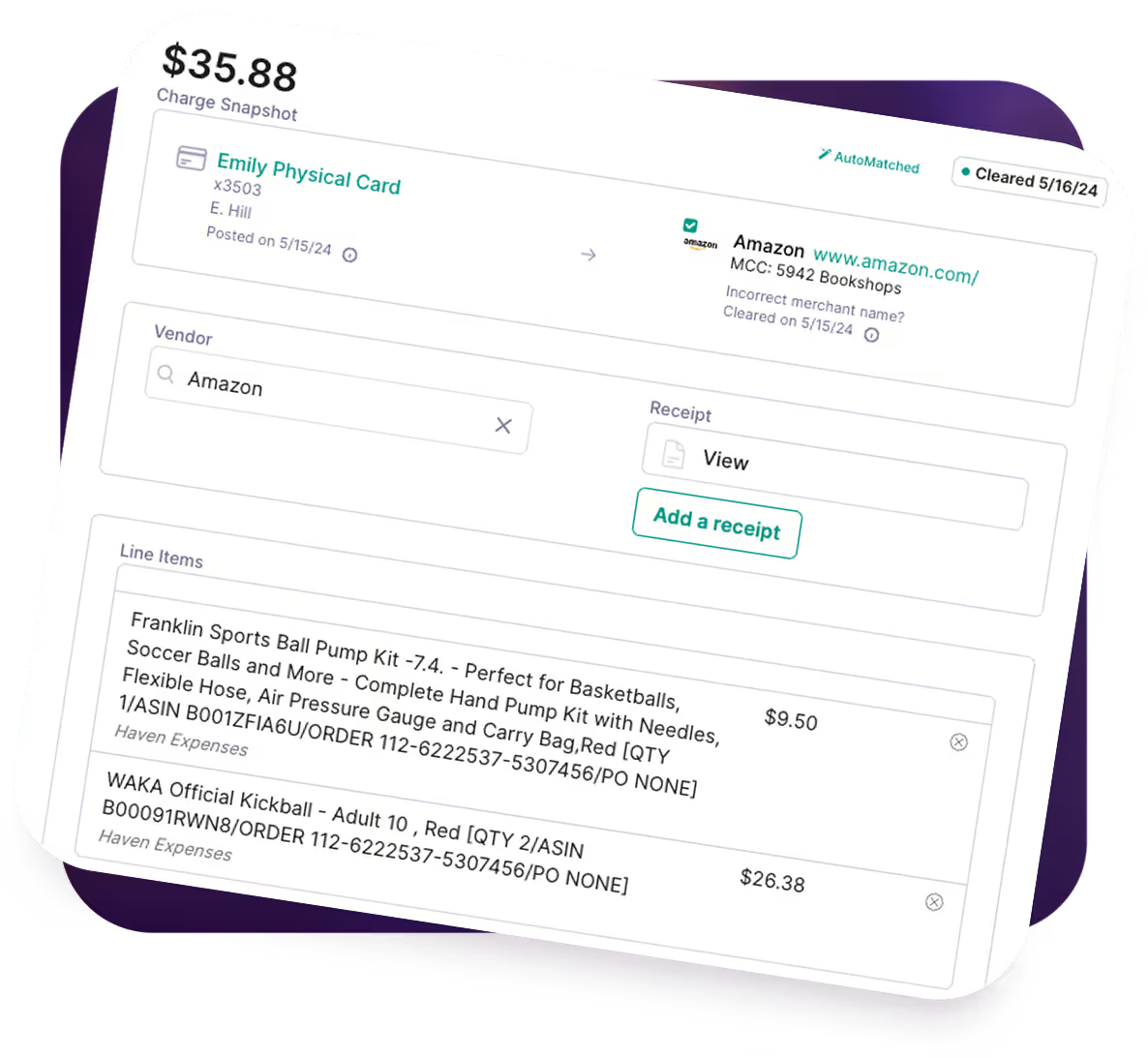
Receipt Tracking With KleerCard: What You Get

0
1
2
3
4
5
01

No more manual input

Our optical character recognition OCR extracts vendor names, dates, amounts, and tax information with 99% accuracy, eliminating manual input errors. The app also includes automatic data extraction from scanned receipts for even greater efficiency.
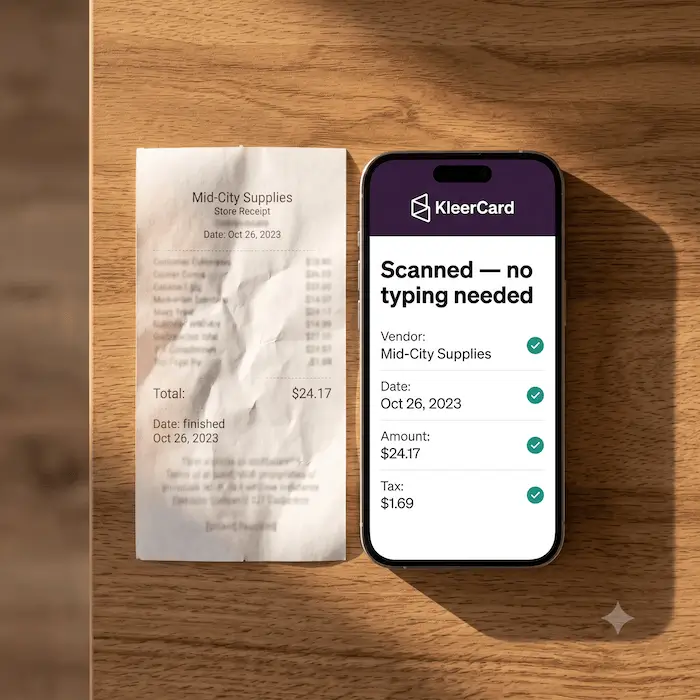
02

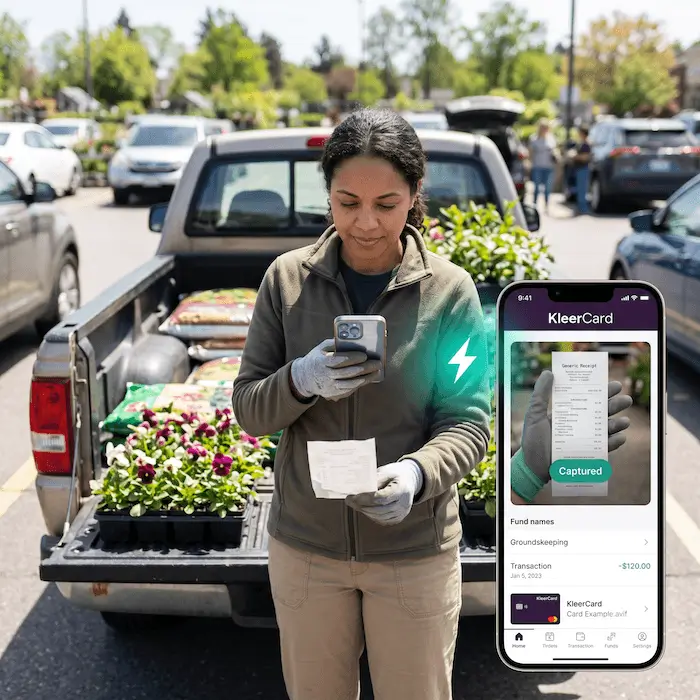
Scan receipts from anywhere

Use your phone’s camera to scan receipts anywhere, converting paper documents into searchable digital receipts in seconds.
03

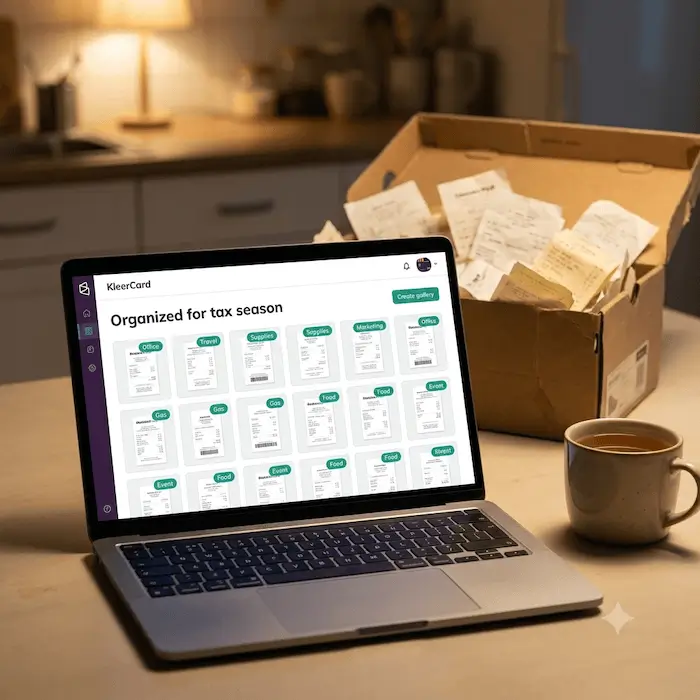
Organize receipts automatically

Smart receipts are automatically tagged and organized for tax purposes, making tax season stress-free.
04

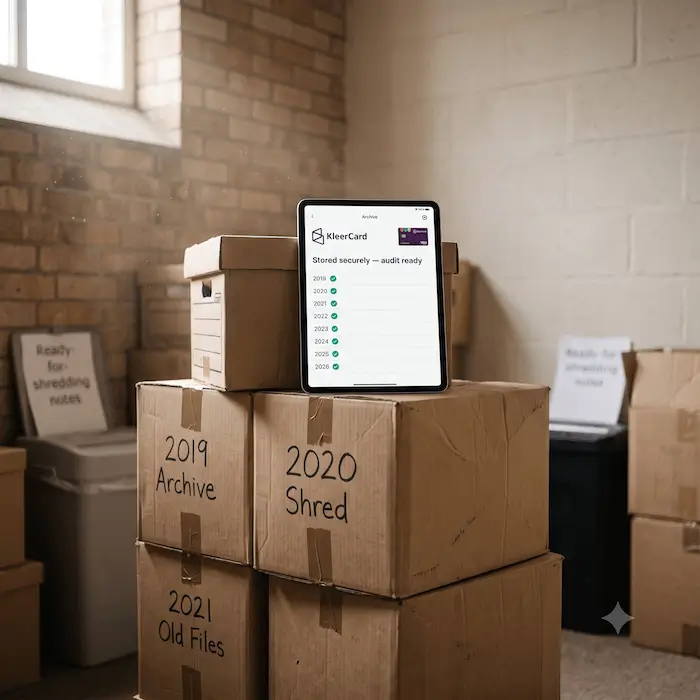
IRS-compliant storage

Secure unlimited file storage ensures your scanned documents meet audit requirements and remain accessible for years.
04

Zero learning curve

Our simple interface means no technical skills required. Just point, scan, and let us handle the rest.

Created With Nonprofits in Mind

Our receipt-tracking feature has everything that a nonprofit needs.

Arrow Icon

Protects donor trust and financial accountability

Every card transaction is backed by a receipt, creating a clear audit trail that shows donors, boards, and regulators exactly how funds are used.
Next Icon

Simplifies audits and compliance reviews

Receipts are attached to transactions in one system, making it easy to respond to audits, grant reviews, or board finance committee requests without scrambling.
Cicle Icon

Supports fund and department-based reporting

Receipts can be tied to specific ministries, programs, grants, or departments, helping nonprofits maintain clean fund accounting and accurate internal reports.

Arrow Icon

Reduces administrative burden on small finance teams

Automated reminders and receipt matching cut down on manual follow-ups, freeing staff and volunteers to focus on mission-critical work instead of paperwork.
Next Icon

Works well for volunteer and part-time staff

Mobile receipt capture makes it easy for pastors, ministry leaders, or volunteers to submit documentation right after a purchase, even if finance is centralized.
Cicle Icon

Improves month-end and year-end close

Receipts are collected throughout the month instead of chased down at the end, making financial close faster and far less stressful.
Arrow Icon

Prevents undocumented spending and policy violations

Missing receipts are flagged automatically, encouraging consistent compliance with internal spending policies and board-approved guidelines.
Next Icon

Creates transparency for boards and leadership

Leaders can quickly review transactions with supporting documentation, making financial oversight easier and more confidence-inspiring.

Cicle Icon

Centralizes records for long-term retention

Receipts are stored digitally in one secure system, reducing reliance on paper files, personal inboxes, or scattered cloud folders.

Arrow Icon

Scales as the organization grows

Whether managing a handful of cards or dozens across multiple ministries, receipt tracking stays consistent without adding extra tools or processes.


Start Tracking Your Receipts Today

Join thousands of organizations who’ve transformed their expense tracking with KleerCard.

Schedule a demo

Thank you! Your submission has been received!
Oops! Something went wrong while submitting the form.

Frequently asked questions

How accurate is KleerCard’s receipt scanning technology?

KleerCard uses optical character recognition combined with automated data validation to extract key details from receipts, including merchant name, date, and amount. Accuracy improves when users upload clear images, but the system is built to handle common real-world issues like faded paper receipts, crumpled slips, and varied formats. This reduces time spent correcting expense reports and helps teams track business expenses more reliably.

Are digital receipts stored in KleerCard acceptable for tax audits?

Yes. The IRS accepts digital receipts as long as they are legible, complete, and accessible during tax time. KleerCard stores receipt images alongside transaction data with timestamps, helping organizations stay organized and prepared for audits, grant reviews, or compliance checks without digging through old files.

Can KleerCard integrate with my existing accounting software?

KleerCard integrates with popular accounting software such as QuickBooks Online and supports clean exports that fit into established workflows. This allows finance teams to move receipt tracking and expense data into their general ledger without double entry, helping small businesses and nonprofits manage cash flow more efficiently alongside other tools they already use.

How does KleerCard handle paper receipts without mail-in envelopes?

KleerCard does not rely on mail-in services like a magic envelope. Instead, users capture receipts using the mobile app or upload receipts digitally as soon as a purchase is made. This approach saves time, reduces processing delays, and keeps receipt scanning tied directly to card transactions rather than separate systems.

Is there a limit to how many receipts we can upload?

KleerCard supports unlimited receipt uploads for active accounts, making it practical for organizations with frequent business expenses or multiple cardholders. Whether you’re tracking expenses for small teams or scaling to unlimited users, receipts remain centralized and easy to organize without worrying about storage caps.

How does receipt tracking improve our approval process?

Receipt tracking makes approvals faster by showing managers exactly which expenses have supporting documentation and which are missing receipts. Instead of chasing employees for follow-ups, reviewers can approve, flag, or request clarification directly in one system. This helps reduce delays, improves accountability, and keeps expense reports moving without bottlenecks.

Does KleerCard support mileage tracking and non-receipt expenses?

KleerCard allows teams to record and manage non-receipt expenses such as mileage tracking within the broader expense workflow. These entries can be reviewed, approved, and exported alongside other expenses, keeping all spending records in one place instead of relying on spreadsheets or separate scanning apps.

How does receipt tracking help save time for finance teams?

By automatically linking receipts to card transactions, KleerCard reduces manual matching and data entry. Finance teams spend less time organizing receipts, correcting reports, or reconciling bank accounts, and more time managing budgets, forecasting cash flow, and supporting the organization’s mission.