KleerCard Features

Receipt Tracking Made Simple

Now nonprofits can automate expense management with KleerCard's easy receipt tracking feature.
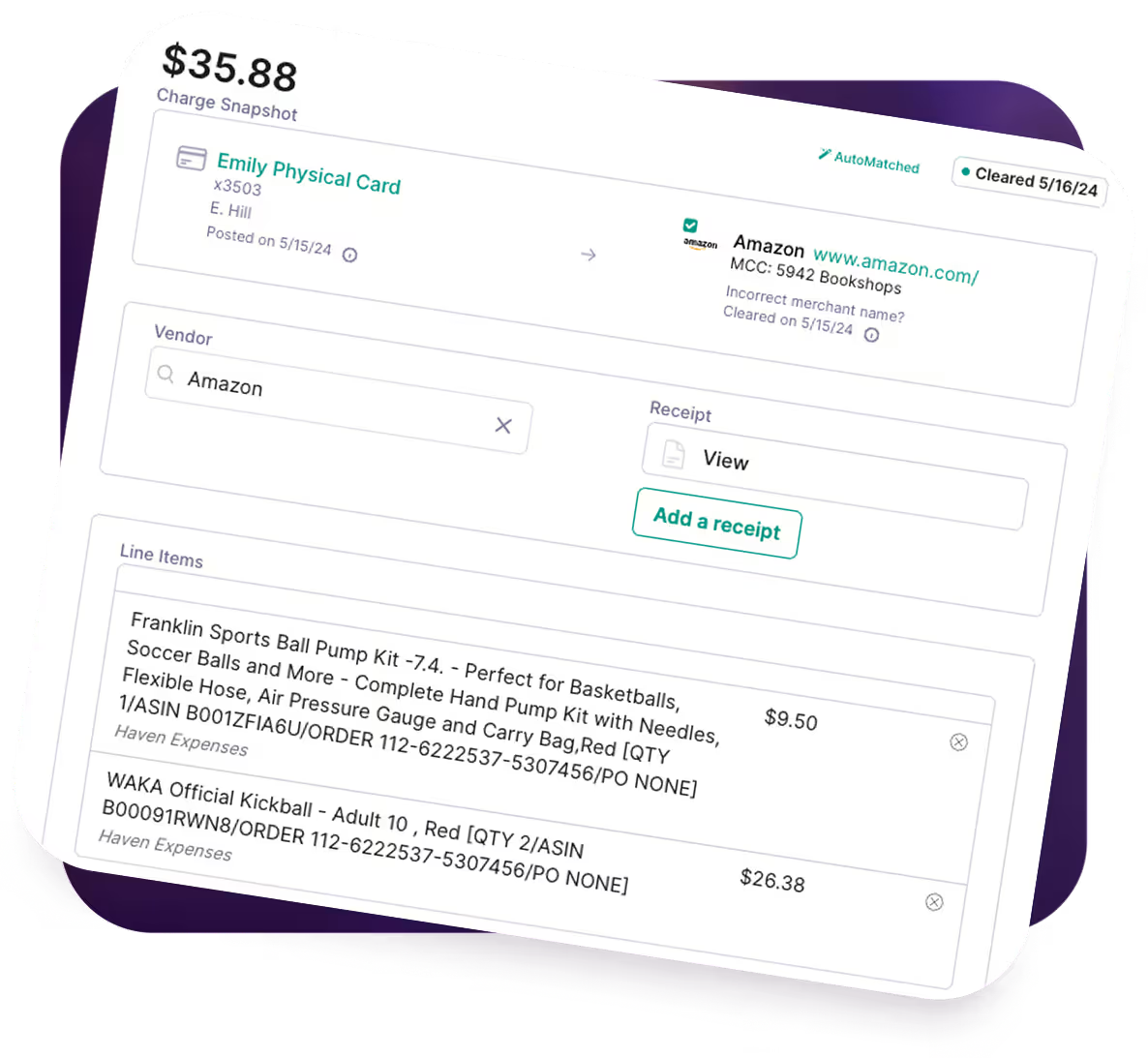
Business expense tracking showing $35.88 charge on Emily's card for Amazon items including sports ball pump and kickball.

The trusted tool for mission-driven organizations

Brnad LogoBrnad LogoBrnad LogoBrnad LogoBrnad LogoBrnad LogoBrnad LogoBrnad LogoBrnad LogoBrnad Logo

Receipt Tracking With KleerCard: What You Get

01

No more manual input

Our optical character recognition OCR extracts vendor names, dates, amounts, and tax information with 99% accuracy, eliminating manual input errors. The app also includes automatic data extraction from scanned receipts for even greater efficiency.
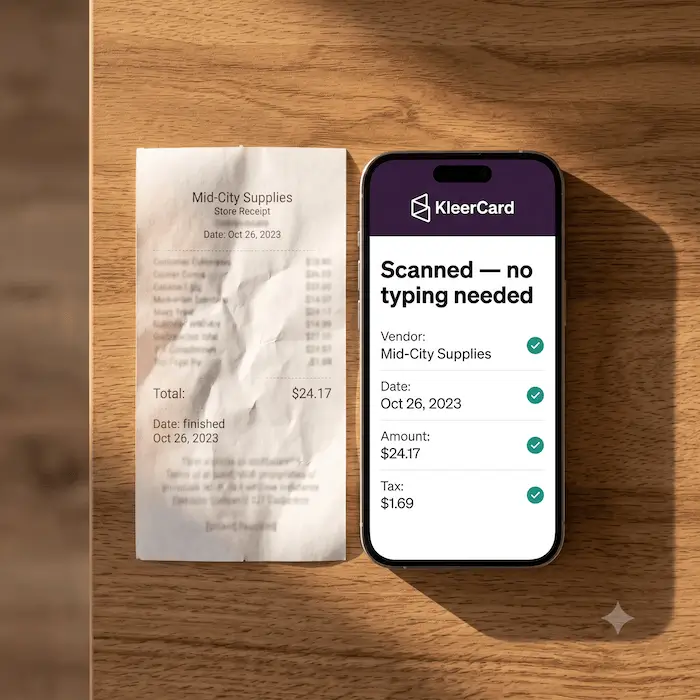
Laptop screen showing an expense tracker with a $33.07 charge for a meal at JBAC event and receipt options.
02

Scan receipts from anywhere

Use your phone’s camera to scan receipts anywhere, converting paper documents into searchable digital receipts in seconds.
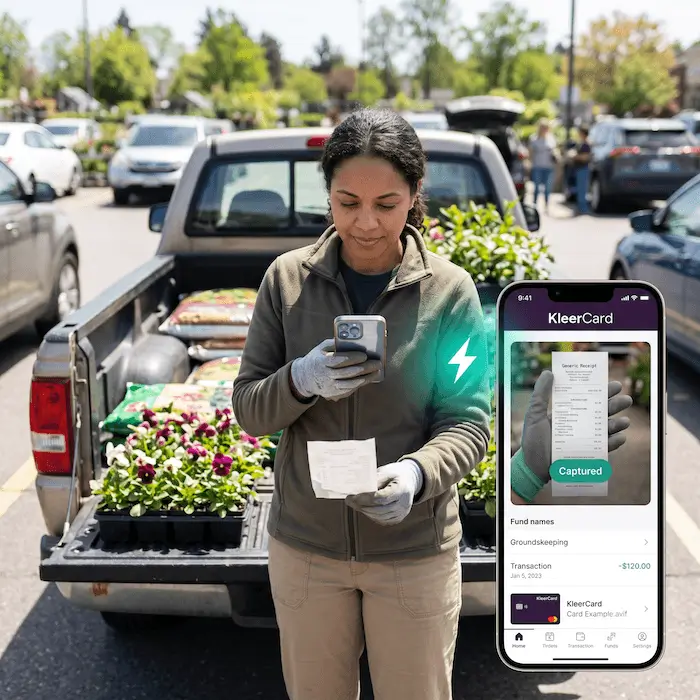
Laptop screen showing an expense tracker with a $33.07 charge for a meal at JBAC event and receipt options.
03

Organize receipts automatically

Smart receipts are automatically tagged and organized for tax purposes, making tax season stress-free.
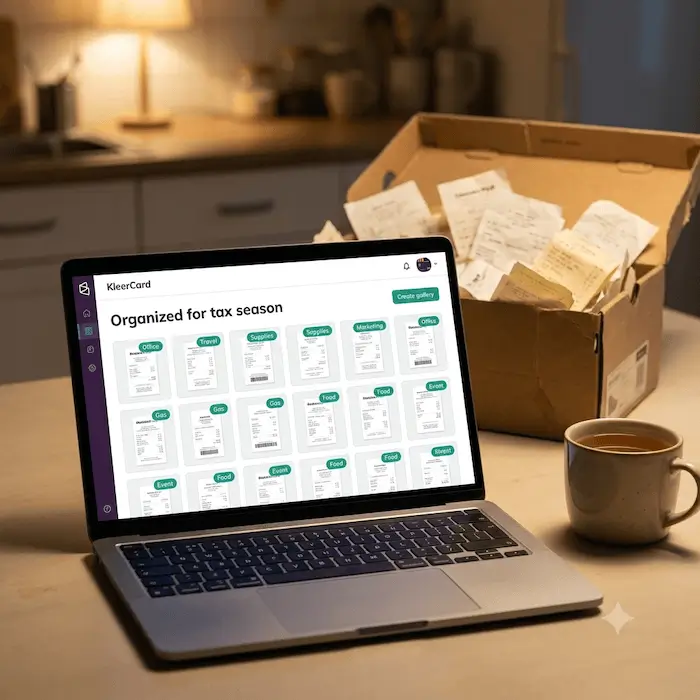
Laptop screen showing an expense tracker with a $33.07 charge for a meal at JBAC event and receipt options.
04

IRS-compliant storage

Secure unlimited file storage ensures your scanned documents meet audit requirements and remain accessible for years.
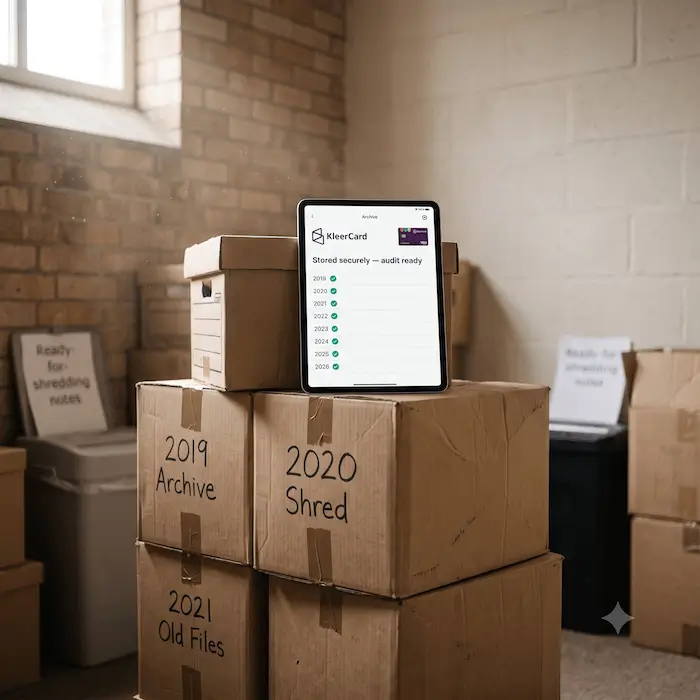
Laptop screen showing an expense tracker with a $33.07 charge for a meal at JBAC event and receipt options.
05

Zero learning curve

Our simple interface means no technical skills required. Just point, scan, and let us handle the rest.

Laptop screen showing an expense tracker with a $33.07 charge for a meal at JBAC event and receipt options.

Created With Nonprofits in Mind

Our receipt-tracking feature has everything that a nonprofit needs.

Outlined hand holding a heart shape above it, symbolizing care or love.

Protects donor trust and financial accountability

Every card transaction is backed by a receipt, creating a clear audit trail that shows donors, boards, and regulators exactly how funds are used.

Clipboard icon with three horizontal lines representing a checklist or notes.

Simplifies audits and compliance reviews

Receipts are attached to transactions in one system, making it easy to respond to audits, grant reviews, or board finance committee requests without scrambling.

Icon of a vertical paper scroll with bullet points and lines representing text.

Supports fund and department-based reporting

Receipts can be tied to specific ministries, programs, grants, or departments, helping nonprofits maintain clean fund accounting and accurate internal reports.

Purple icon of an open file folder with two horizontal lines inside.

Reduces administrative burden on small finance teams

Automated reminders and receipt matching cut down on manual follow-ups, freeing staff and volunteers to focus on mission-critical work instead of paperwork.

Simple user profile icon with a person silhouette inside a rounded square.

Works well for volunteer and part-time staff

Mobile receipt capture makes it easy for pastors, ministry leaders, or volunteers to submit documentation right after a purchase, even if finance is centralized.

Icon of a calendar with a dollar sign in the center.

Improves month-end and year-end close

Receipts are collected throughout the month instead of chased down at the end, making financial close faster and far less stressful.

Icon of a document with lines and a magnifying glass in front.

Prevents undocumented spending and policy violations

Missing receipts are flagged automatically, encouraging consistent compliance with internal spending policies and board-approved guidelines.

Thumbs up icon with three stars above it representing positive rating or approval.

Creates transparency for boards and leadership

Leaders can quickly review transactions with supporting documentation, making financial oversight easier and more confidence-inspiring.

Abstract purple icon with central diamond shape connected to four outer circles in orbit-like design.

Centralizes records for long-term retention

Receipts are stored digitally in one secure system, reducing reliance on paper files, personal inboxes, or scattered cloud folders.

Presentation board icon with three vertical bar graphs in purple.

Scales as the organization grows

Whether managing a handful of cards or dozens across multiple ministries, receipt tracking stays consistent without adding extra tools or processes.


Four people smiling in individual circular frames on a white background with a red checkmark below.
4.9 / 5 Rated

Start Tracking Your Receipts Today

Join thousands of organizations who’ve transformed their expense tracking with KleerCard.

Frequently asked questions

How accurate is KleerCard’s receipt scanning technology?
Are digital receipts stored in KleerCard acceptable for tax audits?
Can KleerCard integrate with my existing accounting software?
How does KleerCard handle paper receipts without mail-in envelopes?
Is there a limit to how many receipts we can upload?
How does receipt tracking improve our approval process?
Does KleerCard support mileage tracking and non-receipt expenses?
How does receipt tracking help save time for finance teams?