%202.svg)
KleerCard syncs your card transactions into the accounting system you already use. You keep your ledger, and we handle the sync so your team is not retyping charges.
The trusted tool for mission-driven organizations










Sync card transactions into QuickBooks Online or QuickBooks Desktop without typing merchants and amounts again. See the full connector list on Integrations. Your accounting system stays the system of record; we feed it clean transaction detail.
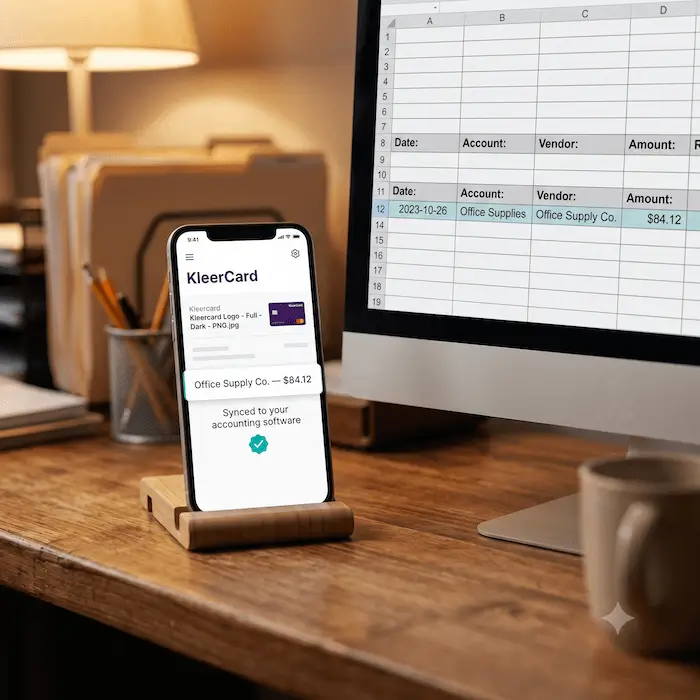
Accurate imports mean fewer cleanup passes when you reconcile. Reports show what was actually charged, not a reconstructed estimate.
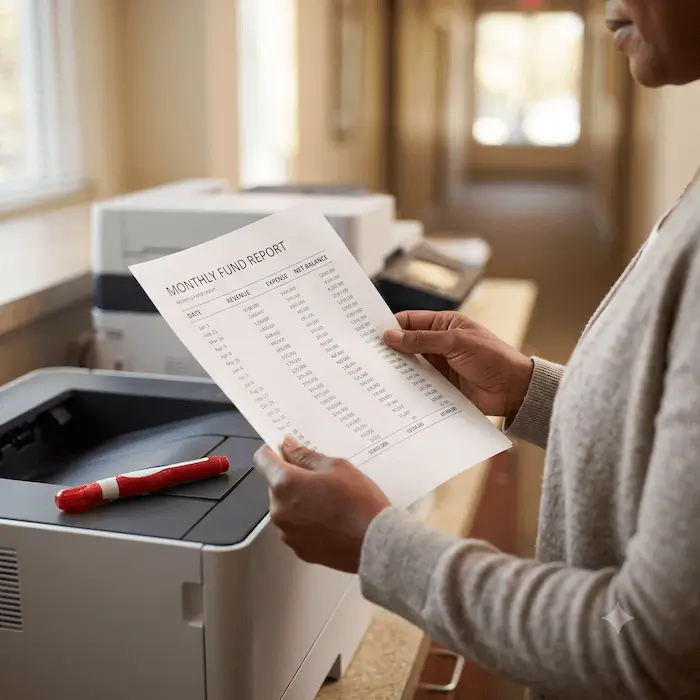
Transactions arrive organized and ready to review, so close is more predictable. Teams spend less time matching statement lines by hand.

Less rekeying means fewer mismatched entries to chase. Automation cuts down on posting mistakes that show up when someone copies a charge into the ledger by hand. You spend less time on adjustments.

Merchant names, dates, and dollar amounts stay aligned between KleerCard and your books. Stakeholders see the same numbers finance is working from.
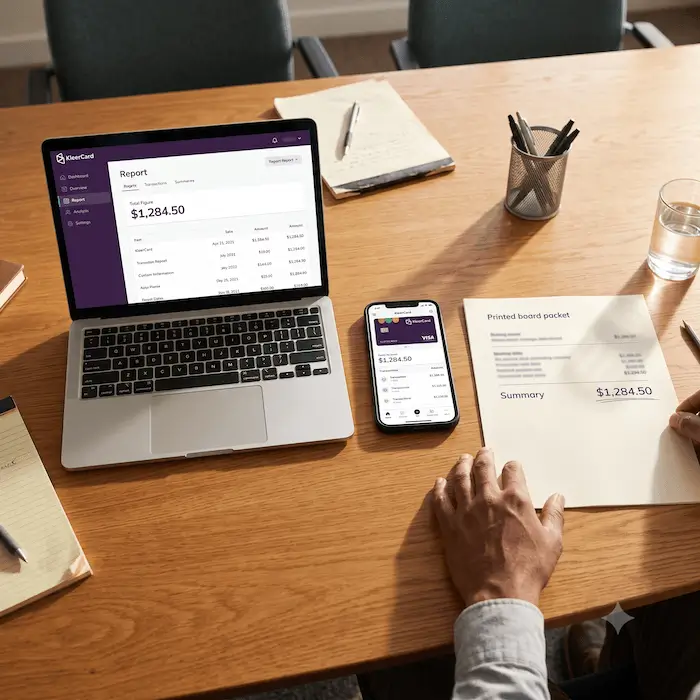
Our accounting sync is built for churches, schools, and nonprofits that need KleerCard spend to land cleanly in the books they already run.
.avif)
When card activity matches the ledger, leadership can trust the numbers in program and admin reports. Finance can search and filter by account, fund, or transaction field instead of rebuilding the story in a spreadsheet.

Finance spends less time fixing entry errors. Matching card activity to the books takes fewer manual steps. Open a transaction, follow the activity, and confirm details without hopping between tools.
.avif)
Consistent records help boards and auditors follow how spend was coded and approved. Documentation stays with the transaction instead of living in someone’s inbox.
.avif)
Program leads and finance work from the same card and ledger data. Shared records cut down on “what was this charge?” threads during review. Everyone sees updates in one place.
.avif)
More cardholders and campuses should not mean a bigger data-entry backlog. And the same sync workflow still handles higher volume without inventing a new process every year.


Get in touch and we’d be thrilled to help reduce your bookkeeping headaches.