%202.svg)
Learn how church accounting software works, what features matter, and how churches and nonprofits can choose the right system.
Church finances can get messy fast. But it’s not because the people responsible are doing something wrong. It’s because the available tools weren't built for how churches actually work.
Restricted funds. Designated gifts. Ministry budgets. Board reporting. These aren't edge cases. They're your everyday reality. And most accounting software treats them like afterthoughts.
This guide is for church administrators, treasurers, executive pastors, and bookkeepers who want cleaner records, better visibility, and less month-end stress. Whether you're a small volunteer-run church or a growing multi-campus ministry, we'll help you find a setup that actually works.
For a full comparison list, check out the Best School Accounting Software.
Church accounting software is a financial system built for churches and nonprofits, not generic businesses. It handles fund accounting, donation church expense tracking, budgeting, reporting, and stewardship workflows that standard tools can't do well out of the box.
The goal isn't just recording transactions. It's tracking how money is received, designated, spent, and reported across funds, ministries, campuses, and grants.
For most churches, the right setup isn't one product doing everything. It's a connected stack that keeps records accurate and easy to review.
Basic bookkeeping software is built around profit and loss. Church accounting software is built around designated gifts, fund balances, and ministry-level reporting. That's a fundamental difference.
Your finance team doesn't just need to know income and expenses. They need to know what's available, what's restricted, and what can actually be spent right now.
Good church accounting software protects donor intent, reduces errors, and gives boards and staff reports they can trust. For smaller teams, it creates repeatable processes that volunteers and part-time staff can actually follow. That matters more than technical accounting knowledge.
A church isn't accountable to shareholders. It's accountable to donors, members, its board, and often 501(c)(3) compliance expectations. That changes everything about how finances and church spending controls should be managed.
Fund accounting software groups resources by donor intent, ministry purpose, or leadership decisions. Traditional accounting tracks overall company performance. For churches, fund accounting answers the question every leader asks: what money do we have, and what can we use it for?
Restricted funds must be used for specific purposes like missions, benevolence, or a building campaign. Unrestricted funds cover payroll, utilities, and general operations. Many churches also track board-designated funds, which are separate from donor-imposed restrictions and should be reported that way.
Finance committees and boards need reports that are clear, consistent, and easy to read. That typically means a statement of activities, statement of financial position, cash flow, and budget-to-actual reporting (sometimes broken down by campus, ministry, or grant category). If the software makes reporting confusing, trust erodes fast.
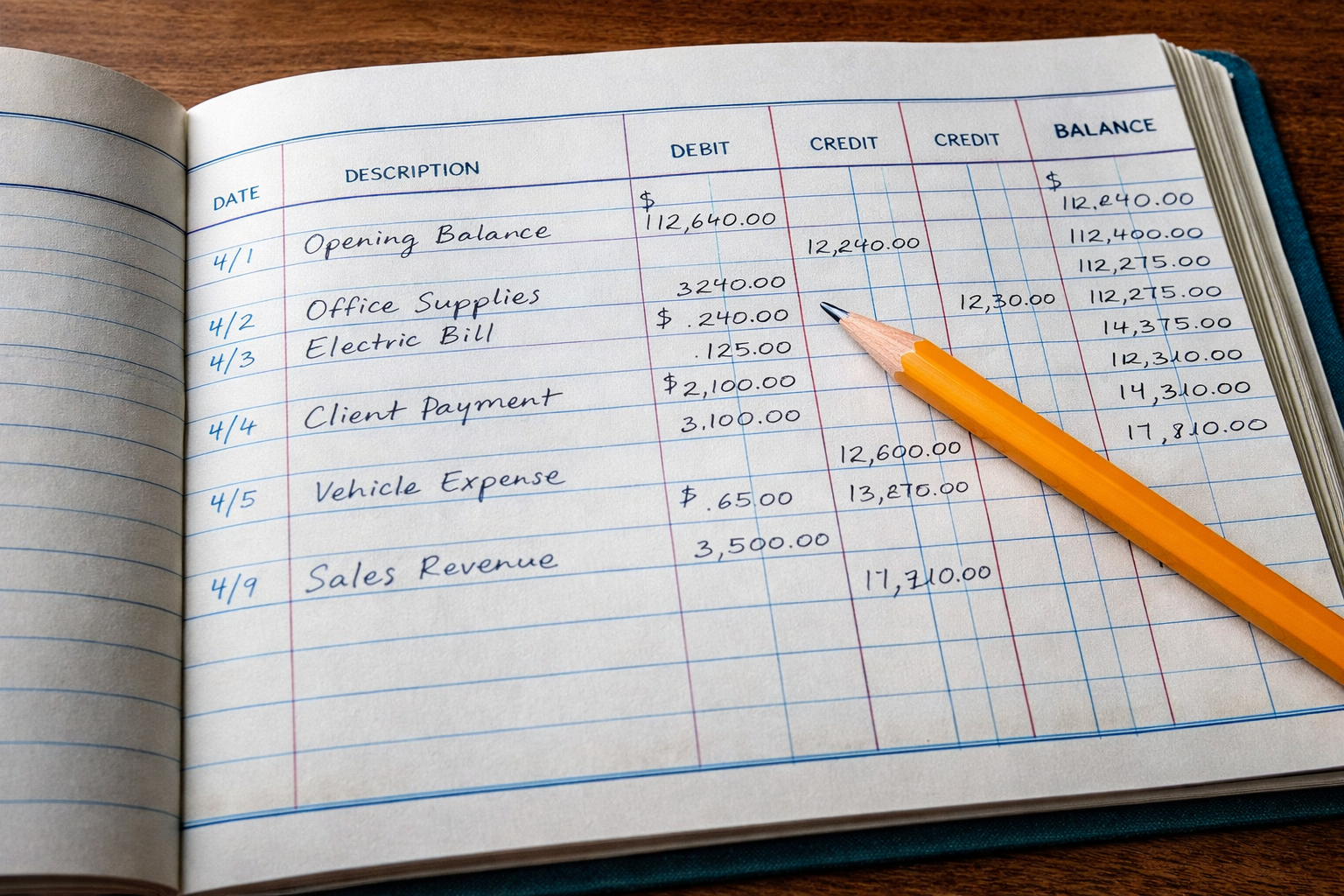
Look for strong fund accounting with support for multiple funds, subfunds, ministries, campuses, and projects. A clean chart of accounts matters more than a complex one. If your leaders review finances by ministry budgets and fund balances, the system should match that view.
Donation tracking should connect gifts to the right fund and reconcile cleanly with accounting records. Contribution statements, donor history, and online giving integrations reduce manual work and lower the risk of gifts landing in the wrong place.
Budget-to-actual reporting should be simple to produce for staff meetings, board packets, and year-end review. A good system makes the close process easier — not another reason to open more spreadsheets. Here's a helpful guide on how to create a church budget.
Bill entry, approvals, vendor tracking, bank reconciliation, and a clear audit trail are essential. So are receipt capture and approval workflows for distributed spending. Without them, month-end turns into a receipt chase. Every time.
Once the essentials are covered, the right extras depend on your church size, staff structure, and existing systems.
Fewer manual exports usually mean fewer coding mistakes and easier reconciliation. Useful integrations include church management software, payroll, online giving, and banking platforms. The goal is cleaner data movement — not more software for its own sake.
Role-based access lets finance staff, pastors, ministry leaders, and volunteers see only what they need. An audit trail shows who submitted, changed, or approved a transaction. These aren't signs of distrust — they're part of healthy financial stewardship.
Cloud-based software helps part-time teams, remote approvers, and multi-campus churches work from anywhere. Mobile receipt capture and approvals can speed up month-end and reduce missing documentation. For volunteer-run organizations, convenience is the difference between timely records and a pile of paper receipts.
The best software decision starts inside your church. Get clear on your workflows and control gaps first.
Document how donations, bills, payroll, card spending, reimbursements, and reporting happen today. Note where information gets entered twice, where approvals stall, and where visibility is weak. This exercise often reveals that the problem isn't only accounting. It may also be expense management, card control, or inconsistent coding.
Separate what you can't live without from what would be helpful. Fund accounting, bank reconciliation, budgeting, and financial reporting are likely non-negotiable. Mobile approvals or advanced dashboards might be secondary. This keeps your evaluation focused and prevents overspending on features your team won't use.
Subscription price matters, but so do admin time, add-ons, and the effort required to keep records clean. Ask about onboarding, training, and data migration. A cheaper system can become expensive when it creates manual work every month.
Ask vendors to show you restricted funds, designated gifts, ministry budgets, and board reporting using real church scenarios. If reporting feels awkward in the demo, it will feel worse in real life.
[[cta]]
Tools like QuickBooks are familiar and widely used. They can work for churches with strong accounting expertise and simpler structures but fund accounting and church reporting often require workarounds. That doesn't make it a bad choice. It means your team may need more customization to get it right.
Church-focused tools like ShelbyNext Financials and ParishSOFT are built around ministry workflows from the start. They typically support fund accounting, donor restrictions, and church reporting more naturally, which shortens the learning curve for teams with limited finance capacity.
These don't replace your accounting system. They solve a different set of problems: card spending, receipt capture, policy enforcement, bill pay, and approval workflows. This is where KleerCard stands out.
For a broader comparison of accounting platforms, see best accounting software for churches. If your team depends heavily on volunteers, this guide on empowering volunteer management leveraging kleercard for churches and nonprofits is also worth reading.

KleerCard is built for churches and church leaders by church leaders. It's not a replacement for your accounting system. It's the layer that makes spending cleaner before anything reaches the books.
Many church finance problems start before a transaction ever reaches accounting. If card use, receipts, coding, and approvals are messy, your close process will be too.
Missing receipts. Delayed reimbursements. Unclear card ownership. Manual expense coding. KleerCard addresses all of it. Real-time card controls and notifications give finance teams visibility. Automated receipt tracking with OCR reduces follow-up work. And sales tax automation handles the nonprofit-specific details most tools ignore.
KleerCard offers the best credit card for churches. It combines bill pay, reimbursements, and approval workflows in one place. That's less chasing, less cleanup, and less stress at month-end. One church went from 40 hours of month-end close to just 1 hour. Sign up in 5 minutes. You're up and running in hours, not weeks.
You can also review KleerCard’s solutions for churches, explore 3 big improvements churches can make to transform expense management, or visit the churches mailer for more detail on church-specific workflows.
A lower monthly price can still cost more in manual work, reconciliation issues, and reporting gaps. Time spent fixing records and chasing receipts has a real cost, especially for small teams.
Churches need separation of duties, role-based access, and approval paths. A system without a strong audit trail creates unnecessary risk. Good controls are part of healthy financial stewardship.
Too many accounts, funds, and custom fields can make reporting worse. A simple chart of accounts and clear fund structure almost always serve leaders better than a highly detailed setup no one understands. Build around how reports are actually reviewed.
[[cta]]
Before migrating data, clean up your chart of accounts, active funds, vendor list, and approval rules. Remove outdated accounts and clarify how restricted, unrestricted, and board-designated funds should be tracked. Document spending policies and reimbursement rules in plain language. This gives staff and volunteers a clear standard from day one.
Finance staff need deeper training on reconciliation, reporting, and review. Ministry leaders and cardholders need short guidance on requests, receipts, and approvals. Short, role-based onboarding is easier to retain than one long training session, and it improves adoption across busy ministries.
Use the first close cycle to check coding accuracy, approval timing, missing receipts, and report usefulness. Small corrections early prevent long-term frustration. Gather feedback from users. If a process feels confusing, fix it before it becomes a habit.
The best setup combines accurate fund accounting, useful financial reporting, and strong control over daily spending. It protects donor intent, supports compliance, and gives leaders confidence in every report they review.
For most churches, that means using accounting software for the books and adding a stronger expense layer for cards, bills, and reimbursements. If your team wants better spending visibility, cleaner records, and less month-end stress, KleerCard is worth a close look.
A financial system built for churches and nonprofits. It helps manage fund accounting, donations, budgets, expenses, and reporting in a way that supports stewardship.
Church accounting focuses on stewardship and fund restrictions instead of profit. It tracks how money is designated and used across funds, ministries, and programs.
Yes, but it often needs extra setup. Many churches outgrow basic tools when they need stronger fund accounting, donation tracking, and ministry reporting.
Start with fund accounting, donation tracking, budgeting, financial reporting, bank reconciliation, and accounts payable. Then look for approval workflows, audit trails, and ease of use.
Many platforms support bill pay and spending reports. Tools like KleerCard add stronger card controls, receipt capture, reimbursements, and approval workflows for better day-to-day control.


Speak to a member of our team and we can have you up and running in minutes, not weeks.