%202.svg)
A virtual credit card is a digital version of a credit card. It has a unique account number, expiration date, and CVV.
Traditional payment methods don’t always offer the control modern buyers need, especially for teams managing expenses across multiple people or departments.
This is what has led to the rise in popularity of the virtual card.
A recent study from PYMNTS revealed that 42 percent of U.S. consumers have used a virtual card in the past six months.
But what is a virtual card, and what makes them so popular?
A virtual card is a digital version of a physical credit card or debit card.
With a virtual card, you get a unique card number issued online with its own expiration date and spending rules.
You can use it for online shopping, load it into Apple Pay or Google Pay for contactless payments, or assign it to your accounts payable team for vendor transactions.
Virtual cards offer a smarter way to manage cash flow, track expenses, and protect your main credit card account from misuse.
But what makes a virtual card different from a physical one? And how do you actually use one?
Keep reading to find out.
A virtual card is a card that exists only online. It’s issued by a credit card issuer or virtual card provider and used for things like shopping online, paying vendors, or managing departmental spending.
Most programs let you create virtual cards instantly from an online account.
Business owners can use them to assign custom limits, usage rules, or expiration dates. Teams use them for subscriptions, software purchases, and vendor payments.
Unlike traditional cards, virtual cards can be closed or reissued at any time.
You don’t need to replace a physical card or change billing info everywhere when a card is compromised.
They also integrate with ERP systems, payment apps, and digital wallets like Apple Pay and Google Pay, so they’re more flexible than wire transfers or physical cards.
Virtual cards work like any other card at checkout. Your provider generates a virtual credit card number that’s tied to your account. You can use that number for online purchases, subscriptions, or load it into Google Pay for in-store tap payments.
Each card can include rules for spending limits, merchant type, or expiration. This helps teams track charges by purpose and reduce unauthorized spending.
If a card gets compromised, you just cancel that card without interrupting your entire account.

The tech behind all virtual cards is similar, but the way virtual credit cards work depends on how they're funded and who issues them.
Here are the main types.
You can use a virtual card almost anywhere you'd use a regular credit card, as long as the merchant accepts online payments or digital wallets like Apple Pay.
Here’s where virtual cards work best.
Most websites that accept credit cards will also accept a virtual credit card number. Just enter the card details at checkout like you would with a physical card.
Load your virtual card into Apple Pay or Google Pay to make contactless payments in physical stores. As long as the point-of-sale terminal supports tap-to-pay, you’re good to go.
Set up a virtual card just for all your subscriptions. That way, you can track charges in one place, set spending limits, and instantly pause the card if needed.
Assign virtual cards to staff or departments for vendor payments, software purchases, or event-related spending. It keeps your account details safe while helping your team move faster.
Issue virtual cards to departments like operations or your accounts payable team. With built-in limits and real-time visibility, they can handle purchases without access to a company-wide card.
In short, any place capable of accepting virtual cards (either online or via digital wallets) is fair game. The more modern the payment system, the more likely it is to support virtual card payments.
Virtual cards solve real financial problems for businesses.
Whether managing a team budget, juggling online payments, or just trying to make online shopping safer, the benefits of virtual cards are hard to ignore.
Here are the seven benefits that matter most.
If you’ve got multiple people spending from the same budget, virtual cards are the easiest way to keep control without slowing everyone down.

In short: yes. Virtual credit cards are very safe. In many cases, they’re safer than traditional plastic.
Here’s why.
Each virtual card is issued with its own virtual credit card number, expiration date, and CVV.
If that number gets exposed during an online transaction, your main account details stay protected.
You can simply deactivate that one card without affecting the rest of your online payments or subscriptions.
You can generally set spending limits, an expiration date, and even specify which vendors your team can pay with a virtual card.
If someone tries to use the card outside your parameters, the transaction gets blocked.
A virtual card lives inside your digital wallet or secure online dashboard. There’s nothing to clone, skim, or misplace.
Unlike a physical card, which you may need to cancel and replace across all platforms, virtual cards can be paused, closed, or regenerated instantly.
This is super helpful for accounts payable departments managing vendor charges or employee reimbursements.
It’s this kind of flexibility that sets virtual cards apart. Not just from physical cards, but also from the digital wallets they’re often used with.
Physical cards are slow to replace and expose your entire account if lost or stolen. Once someone has the number, they often have access to everything tied to it.
Virtual cards, on the other hand, are created instantly and controlled from a dashboard. They come with their own unique card number and rules, making them safer for one-time and recurring purchases alike.
Digital wallets like Apple Pay and Google Pay are simply containers. They store your card info and let you tap to pay, but they don’t add spending controls or issue new numbers.
As of 2026, the best practice is to load virtual cards into a digital wallet. That way, you get the speed of contactless payments with the control and security of a virtual card.
Virtual cards were once a niche tool, reserved for tech-savvy businesses.
Now, they’re used by everyone from solo freelancers to massive finance teams, and increasingly, by nonprofits looking for smarter ways to spend.
Here’s how different groups use them.
People use virtual card numbers to protect their account details while shopping online, signing up for trials, or managing recurring charges. It’s one of the easiest ways to avoid fraud or surprise fees.
Entrepreneurs and small teams use virtual cards to separate personal and business expenses, issue one-off cards for specific projects, and track spending across tools and vendors.
Larger companies often build entire virtual card programs to replace outdated payment methods like wire transfers or physical checks. They rely on them for digital payments, quick vendor onboarding, and real-time expense tracking.
For organizations with tight budgets and multiple stakeholders, virtual cards offer many clear advantages.
When every team member has their own card and built-in limits, you also end up with cleaner records, fewer errors, and way less back-and-forth with your finance team. Click here to learn more about the benefits that KleerCard offers to nonprofits and schools.
Getting started with virtual cards is easier than you might think. Especially if you work with a card provider that understands your organization’s needs.
Specific steps will vary slightly from provider to provider, but here’s how the process typically works.
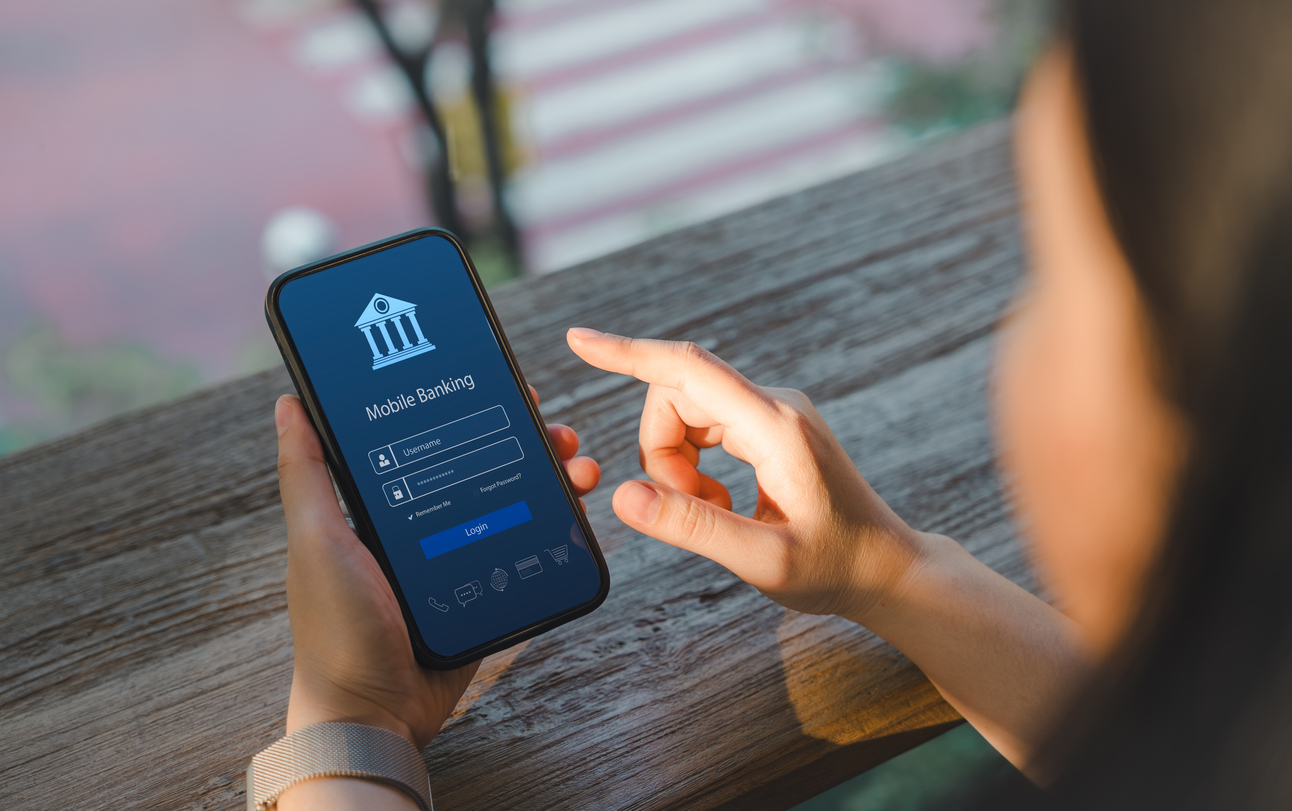
Most virtual cards are issued by banks, credit card companies, or fintech platforms.
In many cases, you’ll need to open a primary account (and sometimes accept a physical card first) before you can request a virtual card.
You’ll generally apply online, link an existing account or funding source, and if necessary, verify your nonprofit status during account setup.
Before issuing cards, you’ll set up the guardrails. Depending on the platform, that includes:
These features give finance teams more control and accountability, especially in multi-user environments like nonprofits and schools.
And if you’re using KleerCard you get extra control, like the ability to assign cards by role or program, automate approvals for recurring purchases, and tag expenses for grant reporting or department-level tracking.
Once your account is approved, you can create virtual cards from your dashboard with a few clicks. Each card comes with its own:
In most cases, you can also add memos, tags, or project labels for easier tracking.
Assign cards to specific team members, departments, or use cases. If you’re managing accounts payable, vendor payments, or event budgets, you’ll be able to monitor usage in real time and revoke access when the job is done.
It depends on the type of virtual card you’re using.
If the card is tied to a personal credit line (like a traditional virtual credit card from a bank) then yes, it can affect your credit score.
Your usage, payment history, and available credit will be reported to the credit bureaus, just like with any other revolving credit account.
On the other hand, prepaid and debit-based virtual cards don’t affect your credit at all.
Since they aren’t linked to a credit line and don’t get reported, they won’t show up on your credit report or influence your score.
For nonprofits using KleerCard, there’s no need to worry about personal credit. Cards are issued through the organization’s account, not an individual’s.
That means your team can spend responsibly without risking personal credit in the process.
With the right setup, virtual cards offer flexibility and accountability without impacting anyone’s personal financial standing.

The bottom line of this article is that virtual payment methods offer more protection than traditional credit cards.
When you're juggling physical cards, manual payment instructions, and monthly spreadsheets, it’s easy to lose track of what’s happening.
Virtual cards replace that mess with one digital dashboard. You can assign virtual account numbers to staff, set limits by vendor or department, and avoid delays tied to invoice dates or account opening paperwork.
They work for everything from store credit and other purchases to low-value transactions, all while supporting better supply chain finance and cash flow forecasting.
If your team is ready to move beyond shared cards and manual processes, KleerCard gives you the tools to do it right.
With KleerCard, you can…
All from a platform built to support growing teams, tight budgets, and smart financial operations.
Ready to get started with KleerCard? Click here to begin your application.
Yes. Most virtual cards can be added to Apple Pay, Google Pay, or other digital wallets for contactless payments in stores. Just like a physical card, you’ll be able to tap and pay, but with better security and more control.
Absolutely. That’s one of their best use cases. Just enter the virtual credit card number, expiration date, and CVV during checkout. Virtual cards are accepted at most retailers that take online payments.
Usually, no. Virtual cards are designed for online purchases, subscriptions, and digital transactions, not cash withdrawals. For that, you’d typically need a linked physical debit card.
Almost. As long as the merchant supports Visa, Mastercard, or whatever network your card uses (and they accept virtual card payments), you’re good to go. Some niche or older systems may still require a physical card, but those are the exception, not the rule.
A virtual card is a new, unique card issued online. It often includes custom settings or spending limits. A digital card is typically a copy of your existing physical card, stored in a digital wallet. Both can be used online or in mobile wallets, but virtual cards offer more flexibility and security.
Yes, and that’s a major advantage. You can set spending limits, expiration dates, merchant types, and more, all from your online account. It’s ideal for organizations that need control over employee or volunteer spending.


Speak to a member of our team and we can have you up and running in minutes, not weeks.