%202.svg)
Put building fund and capital campaign purchases on cards issued to your church. Name who can swipe, set each card's limit to the approved budget, and keep a receipt with every charge.

.avif)
.avif)

Building campaign spend is the money your church spends from its building fund or capital campaign on the project itself. One practical way to keep it organized is to give that spending its own cards.
Issue campaign cards to the people your finance committee names, set each card's limit to the budget the committee approved, and attach a receipt to every charge.


.avif)


Unlike most business credit cards, KleerCard combines powerful expense management software with the flexibility of both physical and virtual cards.
Track everyday purchases like office supplies and online purchases from Amazon, set custom card limits, and monitor your church's spending patterns with real time visibility.
All with pricing built for churches of all sizes and no need for a personal guarantee.


Cards issued to your church. We issue the card to the organization itself, so no pastor, treasurer, or committee member puts personal credit on the line. No personal guarantee is required.
Limits that follow the plan. Load a fixed budget onto a card, or start a card with nothing available and require a funding request. When a card reaches its limit, it declines.
Give your building chair a physical card for in-person purchases and a virtual card for online orders or a one-time vendor payment. Unlimited cards are included on every plan.
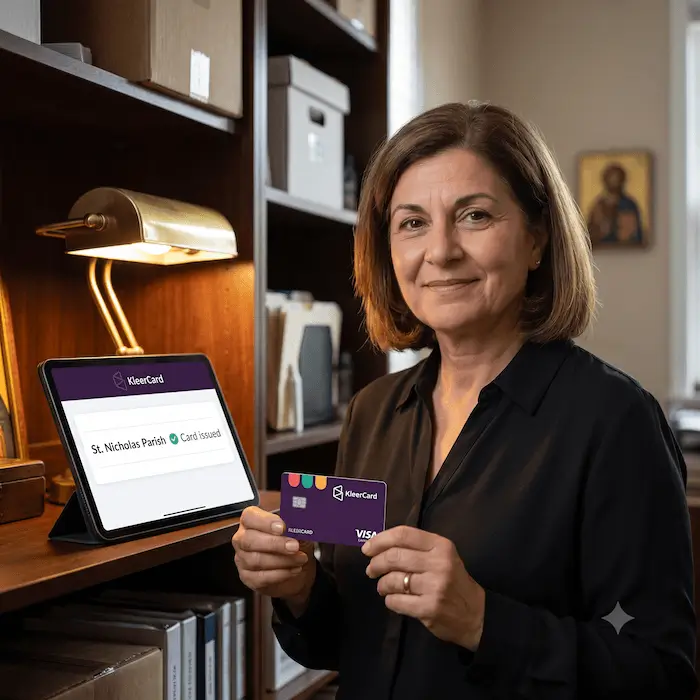
Set each card to match its part of the project.

Decide who approves campaign spending by role, department, amount, or category. Approvals happen up front, when a card is loaded with funds or its categories, schedules, and other spending filters are set. At the register, a purchase that fits those settings goes through and one that doesn't is declined, so nobody has to review each swipe. Requests to fund or change a card go to the right person, whether that's an executive pastor or your finance director.

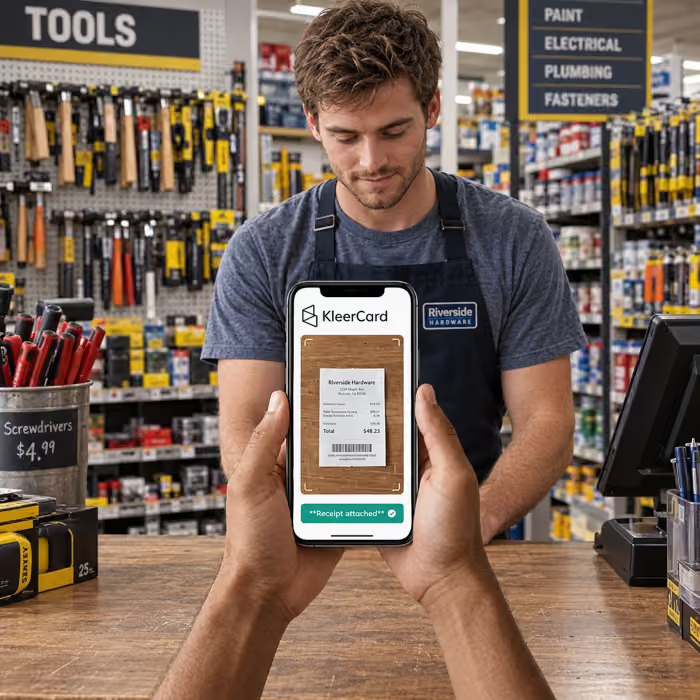
Cardholders scan receipts with their phone wherever they buy. KleerCard sends automatic reminders and flags missing receipts, and cards can be set to auto-lock after a defined period if required documentation isn't submitted.
Campaign roles change as the project moves along. You can pause, adjust, or disable a card instantly, and the rest of the team keeps working without interruption.
.webp)
Every campaign purchase appears in your dashboard right away, tied to a cardholder, a receipt, and the limits and categories approved for that card. And every charge can be assigned to the right fund or ministry budget in real time, which keeps board reports and audits clean.
Your books stay where they are. KleerCard syncs card transactions straight into QuickBooks Online and Aplos, and you can review transactions before they post. For ACS and Shelby, you export a file from KleerCard and import it. See how accounting sync works.



"KleerCard has been a wonderful tool for our staff. Since switching to KleerCard, our accounting process is more streamlined. As the account manager, I’m grateful for how easy the system features are to navigate and how much control I have over the permissions and customizable parameters of each card. I would recommend KleerCard for any church needing an easy-to-use tool to help staff manage spending"
Becky
OneChurch

Issued to the organization itself.

Limits by user, category, or ministry, with merchant and transaction-size restrictions.

Approvals by role, department, amount, or category, given when a card is funded or its spending rules are set.
Setup support is included for every customer at no additional fee.


Your congregation gave toward this project with real hope, and we'd love to help you spend it with the same care. Our team sets up your accounts, cards, and permissions with you, so your building committee can get back to the project.
Grants and Restricted Funds Spend Tracking · Benevolence and Designated Gift Spend · Volunteer Spend Controls